Is your desk phone putting your business at risk?
Handsets and phone systems are network devices. The default settings, firmware gaps and toll fraud risks worth checking this month.

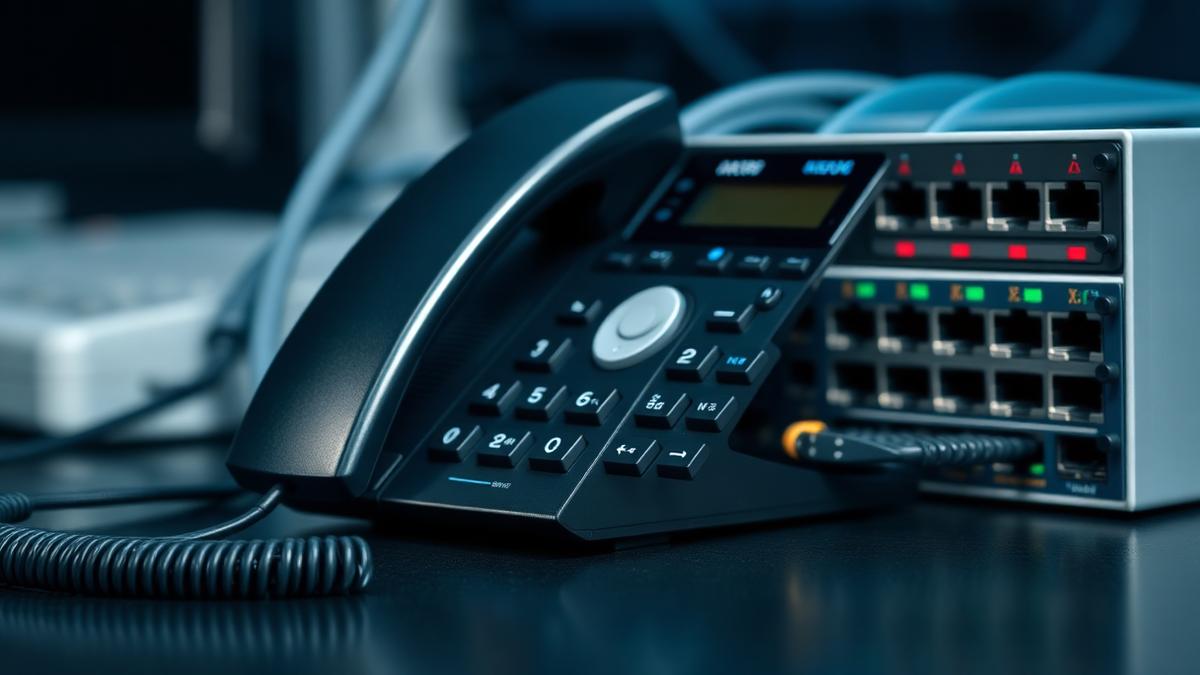
A desk phone is a small computer with a microphone, a network port and, very often, a default administrator password and firmware from three years ago. Phone systems rarely appear on the patching schedule, which is precisely why they are worth an hour of attention.
What actually goes wrong
- Toll fraud: compromised extensions used to dial premium or international destinations overnight and at weekends
- Default web interfaces reachable from the internet with factory credentials
- Unencrypted signalling and media, allowing call interception on a flat network
- Old firmware with published vulnerabilities on handsets and gateways
- A PBX left exposed after a migration that nobody decommissioned
Toll fraud is the expensive one
Attackers register to a weakly protected extension and generate traffic to revenue-share destinations. Losses build in hours, usually starting on a Friday night. Controls are simple: strong unique SIP credentials, international dialling barred by default and enabled per user, concurrent call and spend limits, and alerting on unusual destinations or volumes.
Harden the estate
- Change every default administrator password on handsets and the phone system
- Disable the handset web interface, or restrict it to a management network
- Put voice on its own VLAN, separated from data and guest traffic
- Enable TLS for signalling and SRTP for media where the platform supports it
- Keep handset and gateway firmware current, and retire models the vendor no longer patches
- Never expose SIP or a PBX management interface directly to the internet
Cloud platforms shift, but do not remove, the risk
With a hosted platform the provider patches the core, which removes most of the appliance risk. Your responsibility becomes account security: MFA on the administration portal, sensible dialling permissions, spend alerts and prompt removal of leavers' extensions.
Do not forget the analogue leftovers
Lift lines, alarm diallers and door entry often sit on the same estate and are being forced onto IP by the PSTN switch-off. Plan and test them alongside the phones rather than discovering them at cutover.
A short checklist
- Inventory every handset, gateway and PBX with firmware versions
- Reset default credentials and restrict management access
- Bar international dialling by default and set spend alerts
- Segment voice traffic and enable encryption
- Add phone system firmware to the normal patch cycle
Next steps
Frequently asked questions
Was this article helpful?