
End-of-life devices and the risk to your Cyber Essentials certification
Unsupported operating systems, firmware and network kit are the most common reason UK businesses fail assessment. Here is how to stay ahead of it.
By the Telappliant team
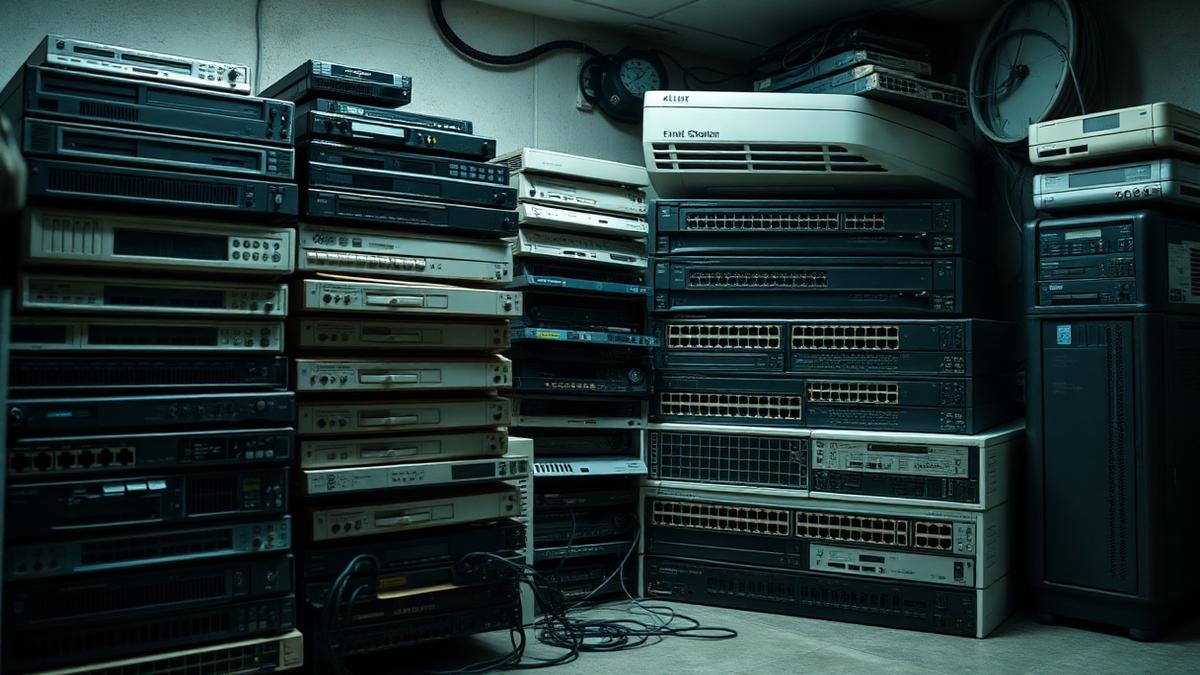
Unsupported software is the single most common reason UK organisations fail Cyber Essentials. It is also the most avoidable, because end-of-life dates are published years in advance. The problem is rarely the laptops everyone remembers; it is the kit nobody owns.
What the standard requires
Cyber Essentials expects all software in scope, including operating systems, firmware on network devices, browsers and applications, to be licensed, supported and receiving security updates. Anything past its vendor end-of-support date must be removed from scope, replaced, or segregated so it cannot reach the internet.
The devices that catch people out
- Windows 10 machines left in a store cupboard or used by a single part-time role
- Firewalls and switches running firmware the vendor no longer patches
- Old wireless access points and unmanaged network hardware
- IP phones and door entry panels with abandoned firmware
- Android and iOS devices past their final OS release accessing company mail
- Servers running an operating system version beyond mainstream support
- Line-of-business applications tied to an unsupported runtime or database
How the failure shows up at assessment
In the self-assessment it usually appears as an honest answer to the software support question that the assessor cannot pass. In Cyber Essentials Plus the audit sample finds the device directly, and a single unsupported machine in scope is enough to fail the whole assessment. Remediation then happens under time pressure with a re-test fee attached.
Why insurers and clients care too
Cyber insurance applications ask the same question, and a claim involving an unsupported system is a straightforward route to a reduced or refused payout. Enterprise procurement questionnaires increasingly ask for evidence of a lifecycle policy, not just a certificate.
A refresh plan that avoids the annual scramble
- Maintain a live asset inventory with vendor end-of-support dates against every item
- Review the twelve-month horizon quarterly, not the month before assessment
- Budget refresh as a rolling annual line rather than a periodic capital shock
- Move devices that cannot be replaced into an isolated VLAN with no internet path
- Use cloud desktops for the handful of users tied to legacy applications
- Record the decision and the compensating control for anything you knowingly keep
If your assessment is imminent
Scope carefully and honestly. Devices genuinely removed from the network and from company data are out of scope; devices quietly left plugged in are not. It is far cheaper to replace two machines now than to fail, remediate and re-test.
Next steps
Frequently asked questions
Was this article helpful?