The death of the desk phone: what replaces it
Why fewer desks have handsets, and how softphones, mobile apps and Teams Phone took over business calling.
By the Telappliant team
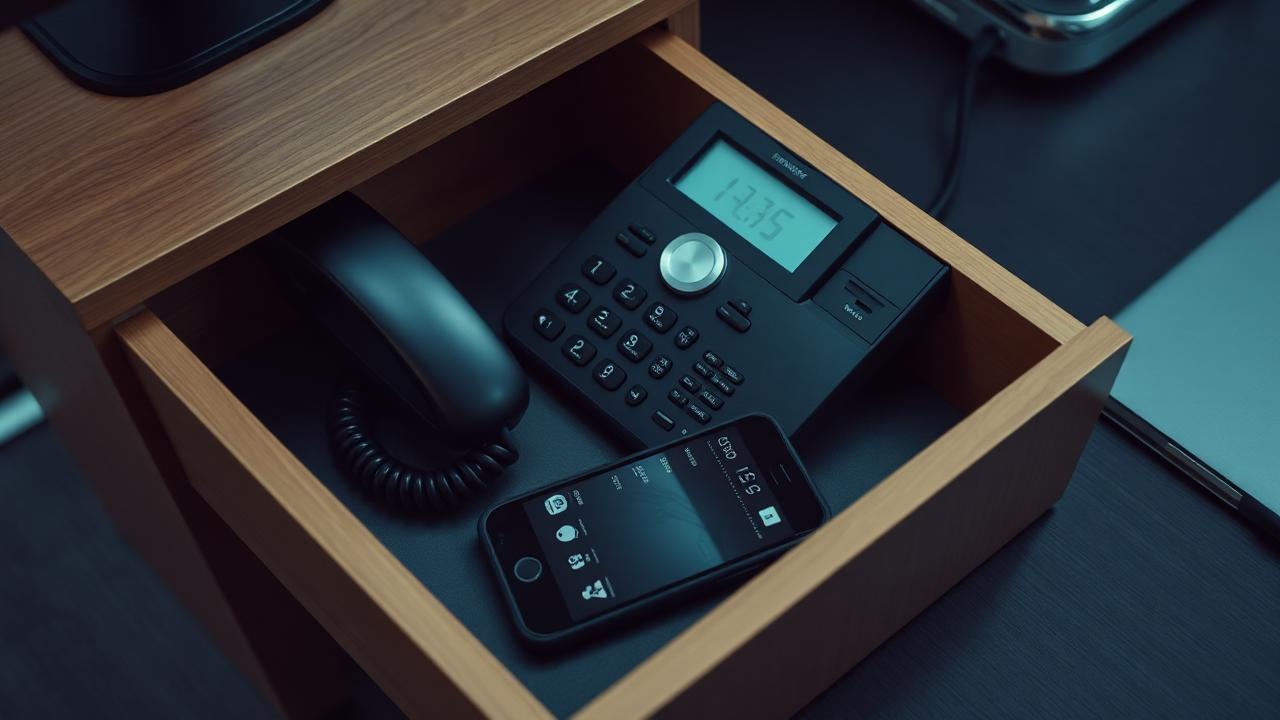
Walk through most modern UK offices and the desk phone is either gone or sitting unused next to a laptop. The decline is not a fashion shift, it reflects how people actually communicate now, and what replaced the handset tells you where business calling is heading.
Why the desk phone is disappearing
- Hybrid working means many desks are empty on any given day
- Softphone apps give the exact same number and features on a laptop or mobile
- Microsoft Teams Phone puts calling inside the app people already use for chat and meetings
- Younger staff default to messaging and video before picking up a handset at all
- Hardware refresh cycles and maintenance costs make physical phones an easy line item to cut
What has replaced it
Calling has become a feature inside software rather than a device on a desk. Most calls now happen through a softphone app, a mobile app tied to the business number, or directly inside Microsoft Teams via Direct Routing, with the same call quality, recording and reporting as a traditional handset.
Where physical handsets still make sense
- Reception and switchboard roles handling continuous call volume all day
- Shared spaces like warehouses or shop floors where a mobile is impractical
- Compliance environments where a dedicated, locked-down device is preferred to a personal laptop
- Staff who are simply more comfortable and faster on a physical keypad
The cost and flexibility argument
Removing most desk phones cuts hardware, cabling and maintenance costs, and it means a change of desk, office or working location requires no re-cabling at all, since the number follows the person through software rather than a physical port.
What this means for a phone system decision
If you are migrating away from ISDN or replacing an ageing PBX, do not assume you need a handset for every desk. Model how many people genuinely need a physical phone, buy for that group specifically, and put everyone else on softphone or Teams Phone, which is usually both cheaper and more flexible.
Next steps
Frequently asked questions
Was this article helpful?