Cyber Essentials for schools and academy trusts
What the five controls mean in a school environment, how they line up with DfE digital standards, and a realistic route to certification.
By the Telappliant team

Schools and academy trusts run complex estates on tight budgets: shared devices, pupil accounts, MIS data, third-party apps and a network that has grown over a decade. Cyber Essentials is the cheapest way to prove the basics are in place, and it maps closely to the Department for Education digital and technology standards that funders and auditors now ask about.
Why schools are targeted
Schools hold rich personal data on children and staff, rely on a small IT team, and cannot tolerate downtime during exam periods. Attackers know all three. Most incidents in the sector start with a phished staff account or an unpatched remote access service, not with anything sophisticated.
The five controls, in a school context
- Firewalls: a properly configured boundary firewall, with rules reviewed rather than inherited from the last refresh
- Secure configuration: no default passwords on switches, projectors, CCTV or door entry, and unused services turned off
- User access control: separate admin accounts, prompt leaver removal, and no shared staff logins
- Malware protection: managed endpoint protection on every device in scope, including trust-owned laptops at home
- Security update management: everything patched within 14 days of a critical fix, which is where most schools fail
The scope question that trips trusts up
Scope covers everything that touches the internet: staff laptops, admin PCs, servers, cloud services and any bring-your-own device used for school work. Pupil devices used only for learning can often be segmented out, but only if the network genuinely separates them. Decide scope before you start the questionnaire, not halfway through.
End-of-life kit is the usual blocker
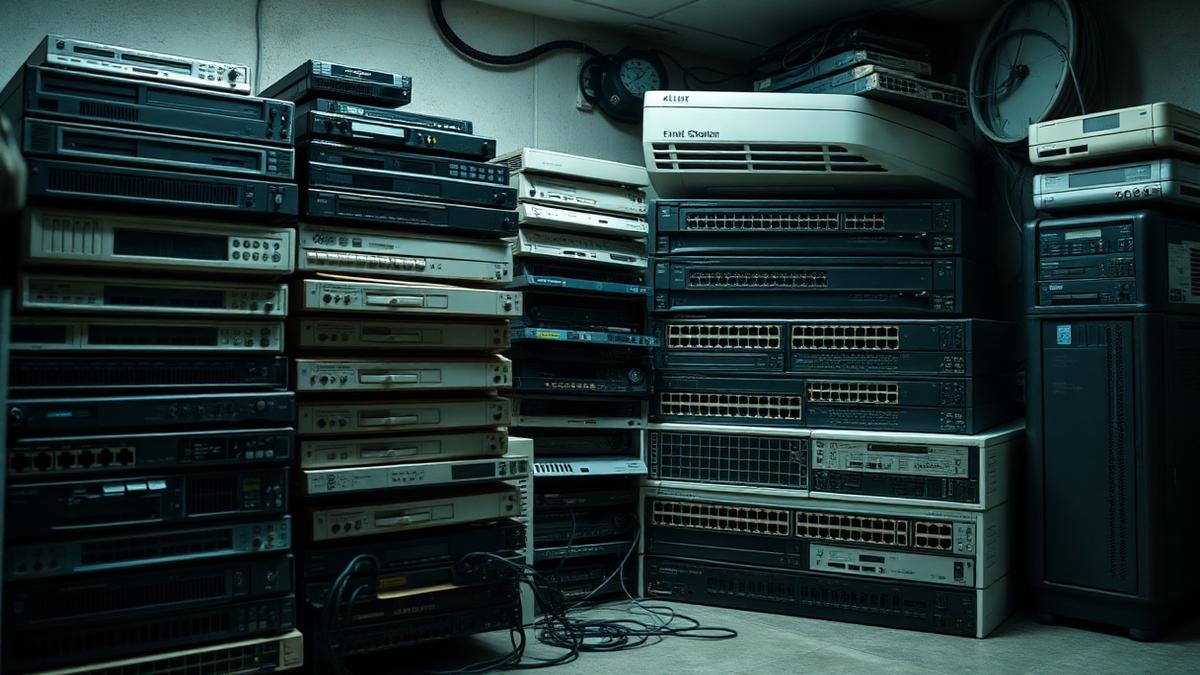
Windows devices past support, interactive panels running old Android builds, and network hardware the vendor has stopped patching will fail the assessment. Build a replacement or segregation plan early; a documented, funded plan is better than a surprise on submission day.
Cyber Essentials or Cyber Essentials Plus?
Start with the self-assessed certification to prove the controls exist. Cyber Essentials Plus adds an independent technical audit and is increasingly asked for in trust procurement and by insurers. Most trusts certify to the base level first, fix what the audit would have found, then move up at renewal.
A realistic timeline
- Weeks 1-2: define scope, run a device and software inventory
- Weeks 3-6: fix patching, remove local admin rights, close default credentials
- Weeks 7-8: replace or segregate unsupported devices
- Week 9: complete the self-assessment and submit
- Ongoing: monthly patch reporting and an annual renewal in the calendar
Next steps
Frequently asked questions
Was this article helpful?