Top 10 essentials for your homeworking toolkit
The practical hardware, software and security essentials every homeworker needs in 2026.

Homeworking has moved from a temporary arrangement to a permanent part of how most UK businesses operate. The toolkit that supports it well is smaller than most people assume, but it needs to be deliberately assembled rather than improvised.
1. A business-grade laptop, not a personal one
Personal machines mix work data with family use and rarely carry proper endpoint protection or encryption. A managed, encrypted business laptop with standard security software should be the minimum baseline for anyone working from home.
2. A reliable home internet connection
Video calls, cloud phone systems and file access all depend on a stable connection, not just a fast one. Where the role is business-critical, a secondary connection or a mobile 4G/5G failover router removes the single point of failure a home broadband outage creates.
3. A softphone or desk phone tied to the business number
Homeworkers should never be giving out personal mobile numbers to customers. A cloud phone system app on laptop and mobile keeps the business number in front of customers and keeps call recording, routing and reporting intact regardless of where staff are sitting.
4. Multi-factor authentication on every login
A home network is not as controlled as an office one. MFA on email, VPN and business applications is the single control that stops a stolen password becoming a full account compromise.
5. A managed VPN or Zero Trust access setup
Direct, unmanaged access to company systems from a home router is a common weak point. A properly configured VPN or conditional access policy ensures only compliant, known devices can reach business data.
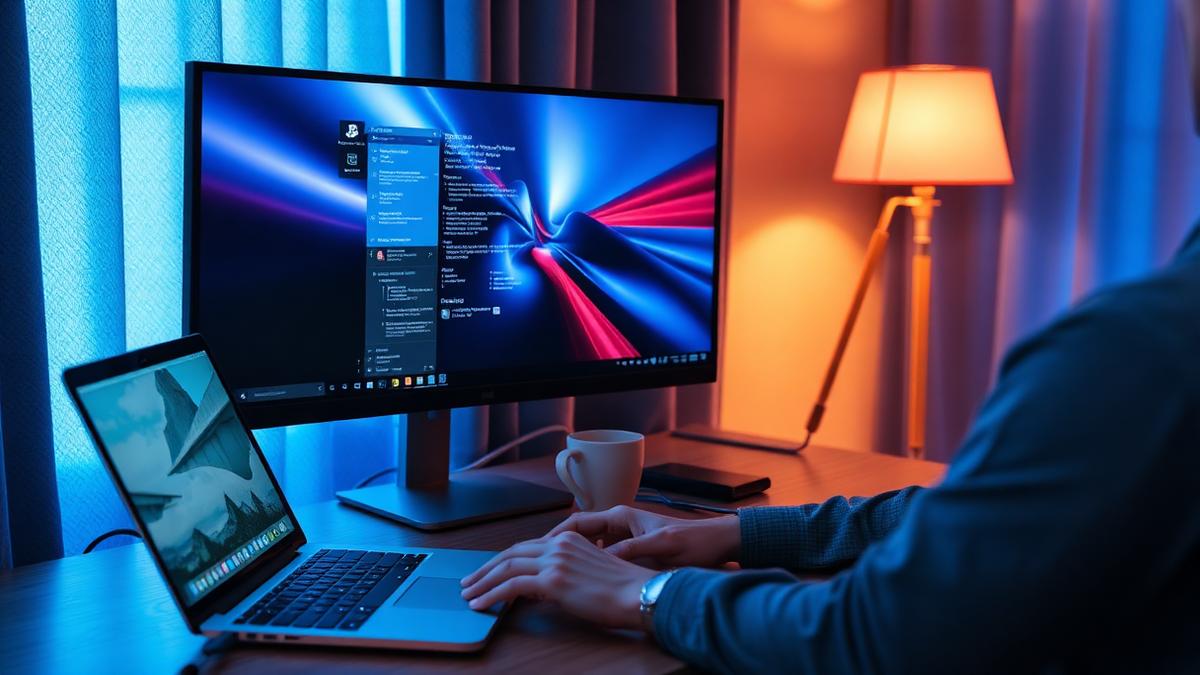
6. A second monitor
It sounds minor, but a second screen measurably reduces the friction of switching between a video call, a document and a chat window, and is one of the cheapest productivity improvements available.
7. Noise-cancelling headset
Call quality on the customer's end depends heavily on the microphone, not the connection. A decent headset removes background noise from calls and meetings, which matters more than most people expect until they hear a bad one.
8. Cloud file storage with proper permissions
Files saved locally on a home laptop are not backed up and are not visible to colleagues. Cloud storage with role-based permissions keeps documents available, recoverable and appropriately restricted.
9. Endpoint monitoring and patching
A laptop working from home still needs the same patching, monitoring and antivirus management as one sitting in the office. Remote monitoring tools keep this automatic rather than relying on the user to run updates.
10. A clear homeworking policy
The technology only works if it is used consistently. A short policy covering acceptable devices, data handling and expected availability removes ambiguity and gives IT and HR something to point to when questions come up.
Putting it together without overspending
Most of this toolkit is achievable within a standard Microsoft 365 Business Premium licence plus a managed IT support contract and a cloud phone system, rather than a long list of separate purchases.
Next steps
Frequently asked questions
Was this article helpful?